WordPress Text plugin
Drop an auto-generated description of the surroundings of any address into a WordPress page with [yatmo-text] — multilingual, with bold keywords.
Install
While the plugin is being reviewed by the WordPress team, download the zip and install it manually: yatmo-text.zip. Activate it like any other WordPress plugin and enter your Yatmo license key in the plugin settings page.
Use [yatmo-text] in your pages or posts. See examples below.
Use your frontend key
WordPress plugins use your frontend Yatmo key — the one Yatmo locks to your domains. Don’t put your backend key in the WordPress plugin settings. See License & keys.
Demo screenshots are cropped
The descriptions in the screenshots below are truncated for presentation purposes — the real plugin output is longer and more detailed.
Examples
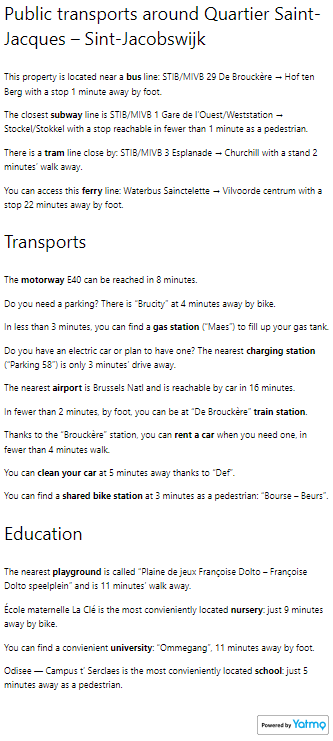
[yatmo-text lat=50.846714 lng=4.352514 language=NL]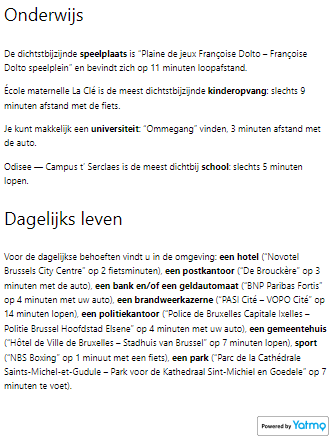
[yatmo-text address="Rue de la Loi 16, 1000 Bruxelles" openingtitlenodetype="<h5>" closingtitlenodetype="</h5>"]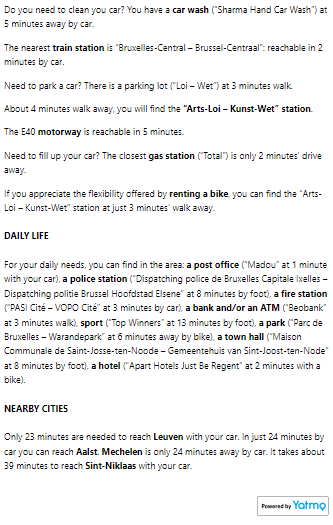
[yatmo-text address="Rue de la Loi 16, 1000 Bruxelles" openingkeywordnodetype='<strong style="color: #06A7EA">']This example omits closingkeywordnodetype because it defaults to </strong> (override-able in plugin settings).
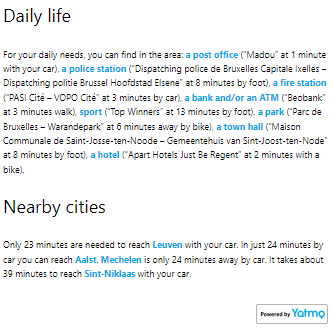
[yatmo-text lat=50.846714 lng=4.352514 showstreetnameintitle=0]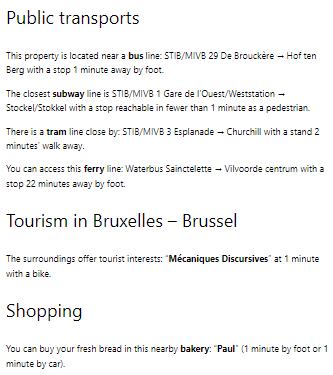
[yatmo-text lat=50.846714 lng=4.352514 showplacenameintitle=0 visibleparagraphs="education,publictransports,transports"]